Place the collector
Print a QR code, add it to a receipt, or use a tap label at the location where feedback matters.
QR Code and Tap Feedback
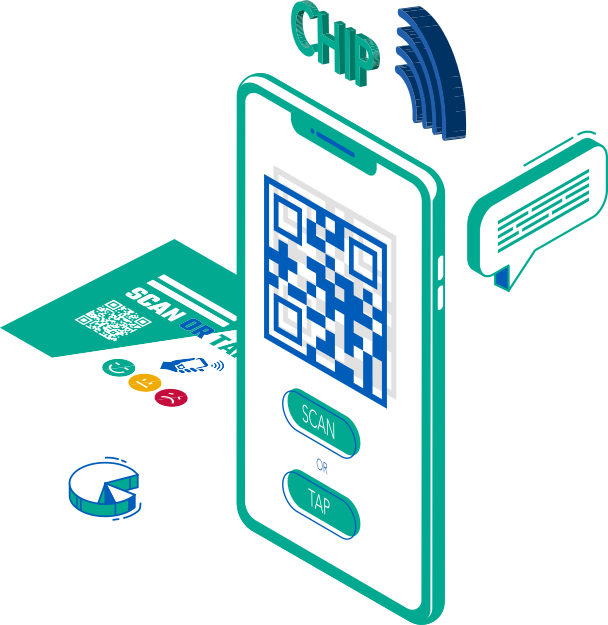
Place QR code feedback, tap feedback, or NFC feedback labels on receipts, counters, tables, posters, badges, and screens. Customers scan a QR survey or tap a feedback link, and your team sees each customer feedback QR response with touchpoint context.
Live feedback question
How was your experience today?
How it works
QR and tap collectors are ideal when you want reach without installing hardware. Each placement can carry its own context, so your team knows exactly where the experience happened.
Use PXP as a QR feedback tool, QR code feedback tool, feedback QR code, or QR code survey for quick customer responses.
Print a QR code, add it to a receipt, or use a tap label at the location where feedback matters.
Capture a rating, reason, comment, contact detail, or follow-up request in a fast mobile-friendly flow.
See responses by location, placement, and touchpoint, then trigger alerts for poor experiences.
What the customer sees
There is no app to install and no account to create. The page opens in the browser already knowing which placement it came from, so the response arrives tagged with the right location and touchpoint.
Customers can speak their answer, type it, or pick from guided options. Spoken answers are transcribed on capture, so your team reads a comment rather than listening to a recording.
Use cases
Add a feedback link to receipts so customers can respond after the purchase, pickup, or service visit.
Place QR cards where the experience happens and capture comments before the guest leaves.
Measure cleanliness, maintenance, and service issues without installing a physical kiosk.
See restroom feedback in depthAsk one fast question at the end of the visit and compare performance across locations.
Turn any physical surface into a feedback touchpoint with trackable QR and tap labels.
Let customers recognize service moments or report problems connected to a team or location.
Why QR and tap works
QR and tap feedback works because it does not ask customers to download, wait, search, or talk to staff. It creates a direct path from the moment of experience to a measurable response.
Use QR codes on signs, receipts, cards, labels, screens, and printed material.
Update the survey behind the code without reprinting every asset.
Track where each response came from by location, area, campaign, or placement.
Collect ratings, open text, contact details, and follow-up permission when needed.
From scan to insight
The collector is only the start. PXP turns each scan into touchpoint-level reporting, trends, alerts, and follow-up opportunities your team can use.
Collector fit
Show us where you want to collect feedback. We will help map the right placements, questions, and reporting structure.