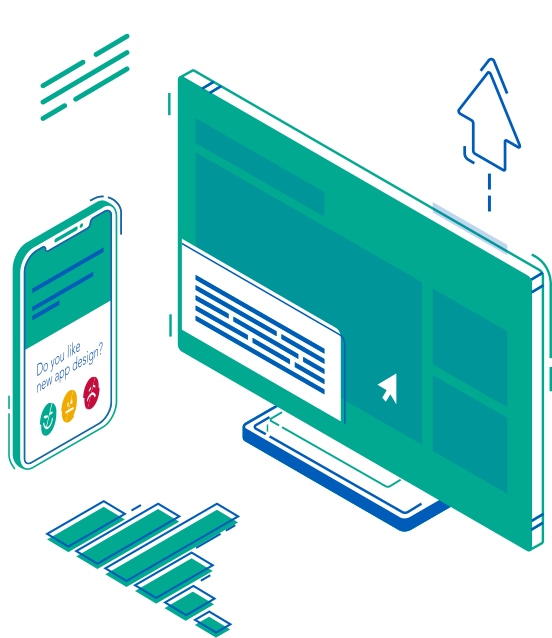

Website feedback
Collect targeted feedback on key webpages, checkout flows, help pages, and account areas.
Digital touchpoints
Use a website feedback widget, customer feedback widget, or in-app feedback flow to ask the right question while the experience is happening. PXP helps teams collect contextual web feedback across pages, mobile apps, chat, digital screens, and payment moments.
How it works
Instead of relying only on long surveys after the fact, use short prompts inside the product, page, screen, or transaction flow where the experience can still be remembered.
Trigger feedback on specific pages, after key events, during support, or at the point of sale.
Use a rating, reason choice, comment box, or a compact flow that matches the digital channel.
Capture the channel, page, event, product area, or anonymous transaction context alongside the feedback.
Digital surfaces
The same platform can support different digital collection methods, from public websites to native apps and POS systems.
Collect targeted feedback on key webpages, checkout flows, help pages, and account areas.

Trigger in-app feedback after events, tasks, releases, or moments where users need support.

Ask short conversational questions after automated support, live chat, or messaging sessions.

Embed feedback into self-service screens, product displays, and interactive digital touchpoints.
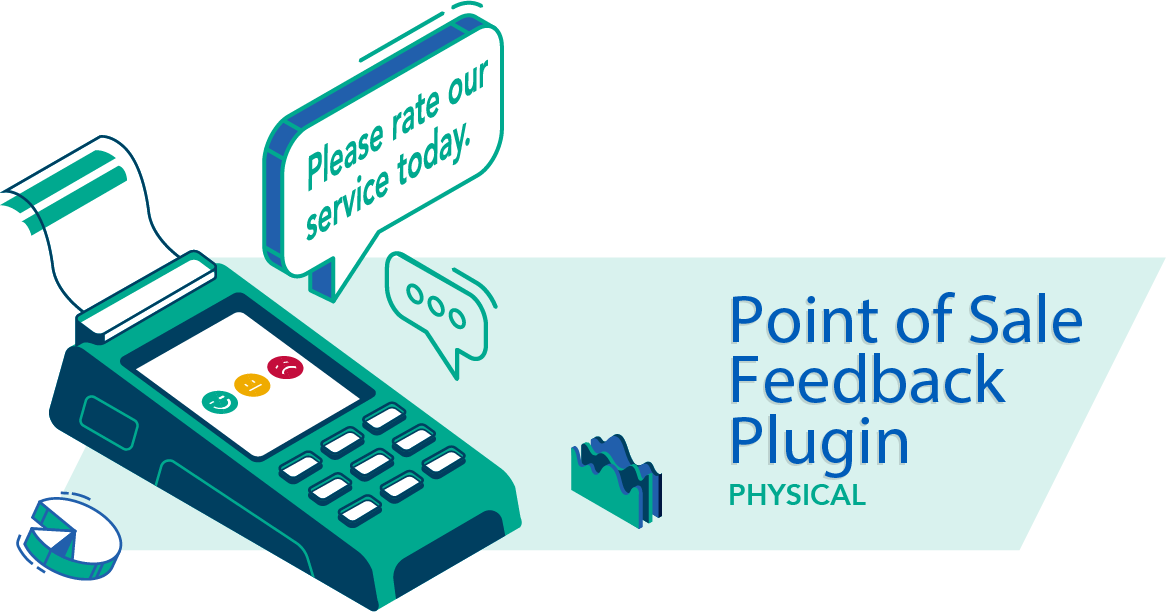
Ask at the payment or service moment and connect feedback with anonymous transaction context.

Collect quick feedback from public displays, information screens, waiting areas, and service signage.
Why it works
A score alone is limited. PXP helps teams understand where the feedback came from, what the customer was trying to do, and which digital touchpoint needs attention.
Use PXP as a digital feedback collector and website feedback tool for product, service, and operations teams.
Ask different questions based on page, product action, customer segment, or journey stage.
Capture CSAT, NPS-style ratings, open text, and follow-up reasons in the same flow.
Use widgets, embedded scripts, SDKs, or screen integrations depending on the channel.
Route negative feedback, product friction, and service issues into the PXP dashboard.
Digital collection
Best when feedback should feel like a natural part of the page. Use it on support pages, portals, product screens, post-purchase pages, or anywhere you want always-on feedback without interrupting the user.

Place a feedback question directly inside a page, portal, email signature, or product screen.
Show us your website, app, POS, or screen flow. We will help choose the right mix of embed, modal, slider, SDK, and dashboard routing.