CX & operations leaders
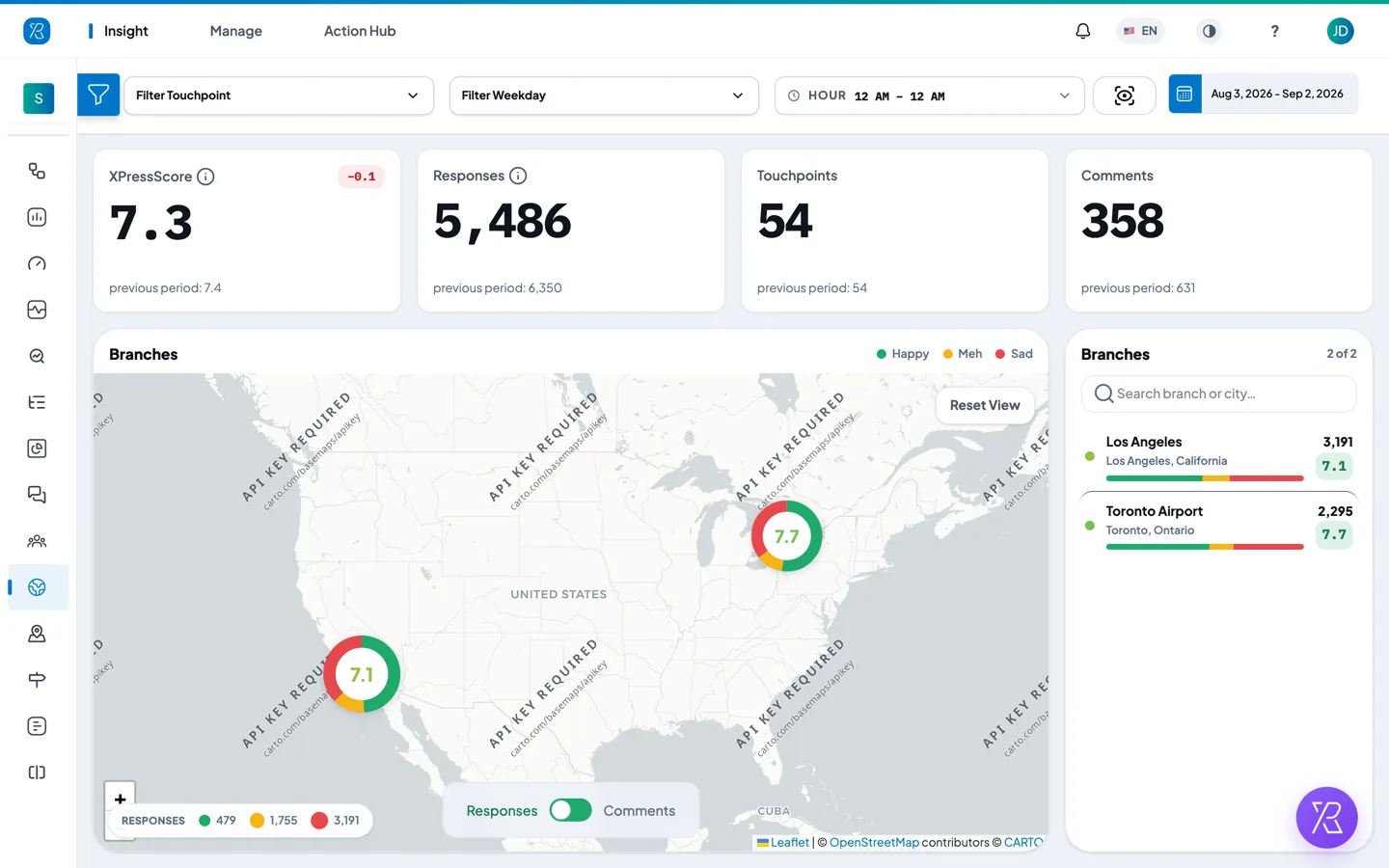
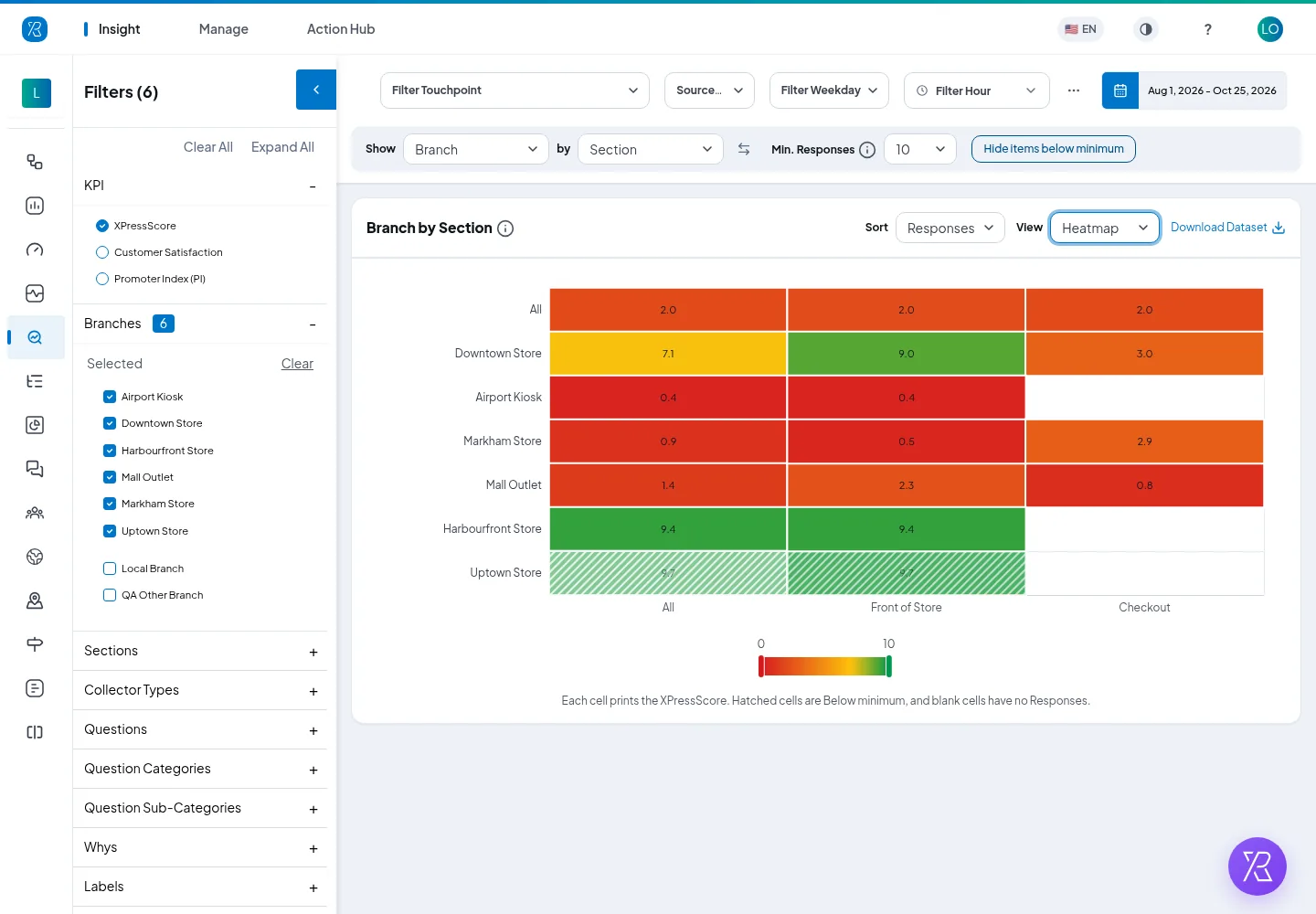
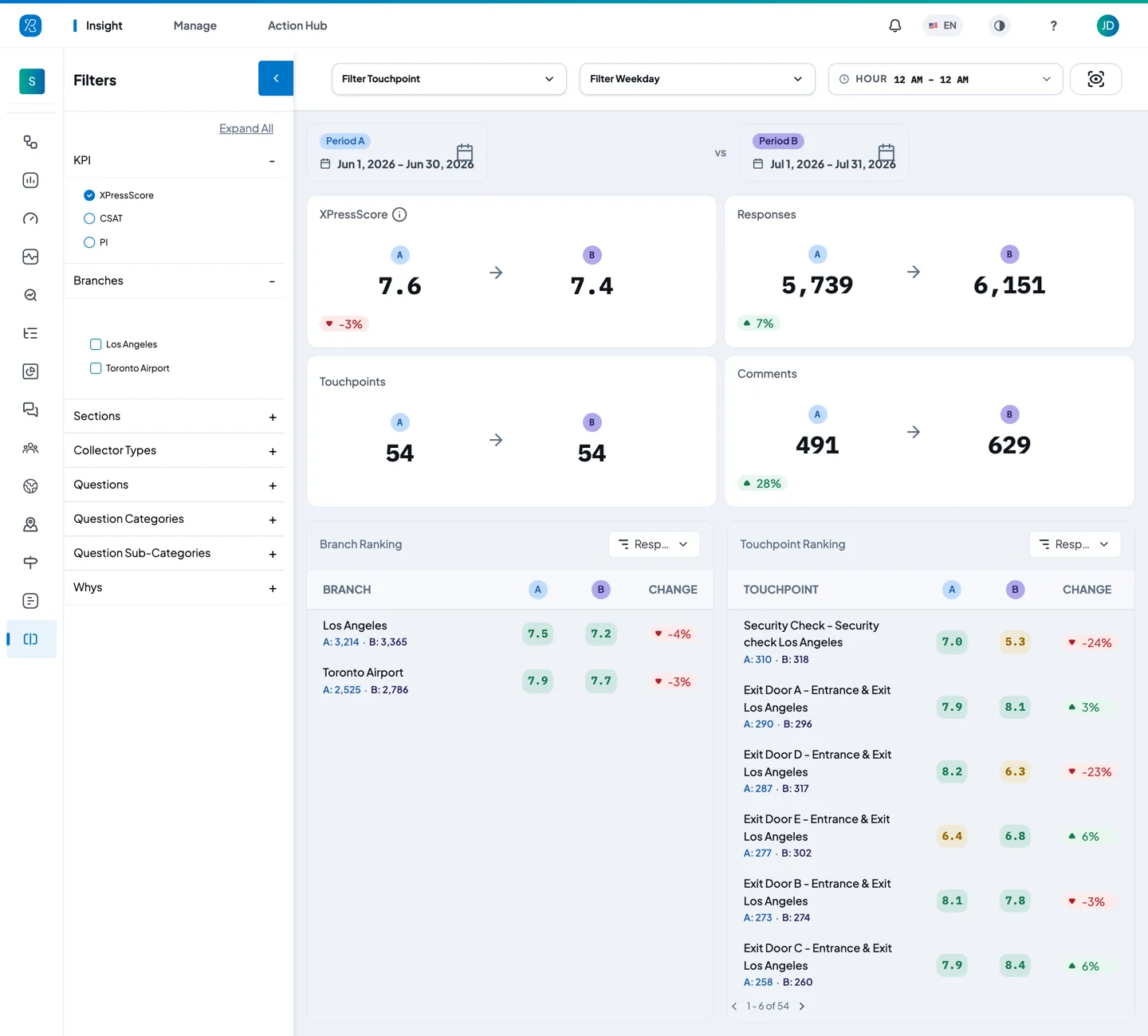
Every store ranked by shopper satisfaction, with trends by region and department.
Alerted when a store drops below target or one issue spreads across the chain.
Retail
Shoppers decide in the aisle and at the checkout, not in a survey a week later. Press'nXPress hears from them in the store, shows which stores and departments are slipping, and alerts the store manager while there's still time to fix it.

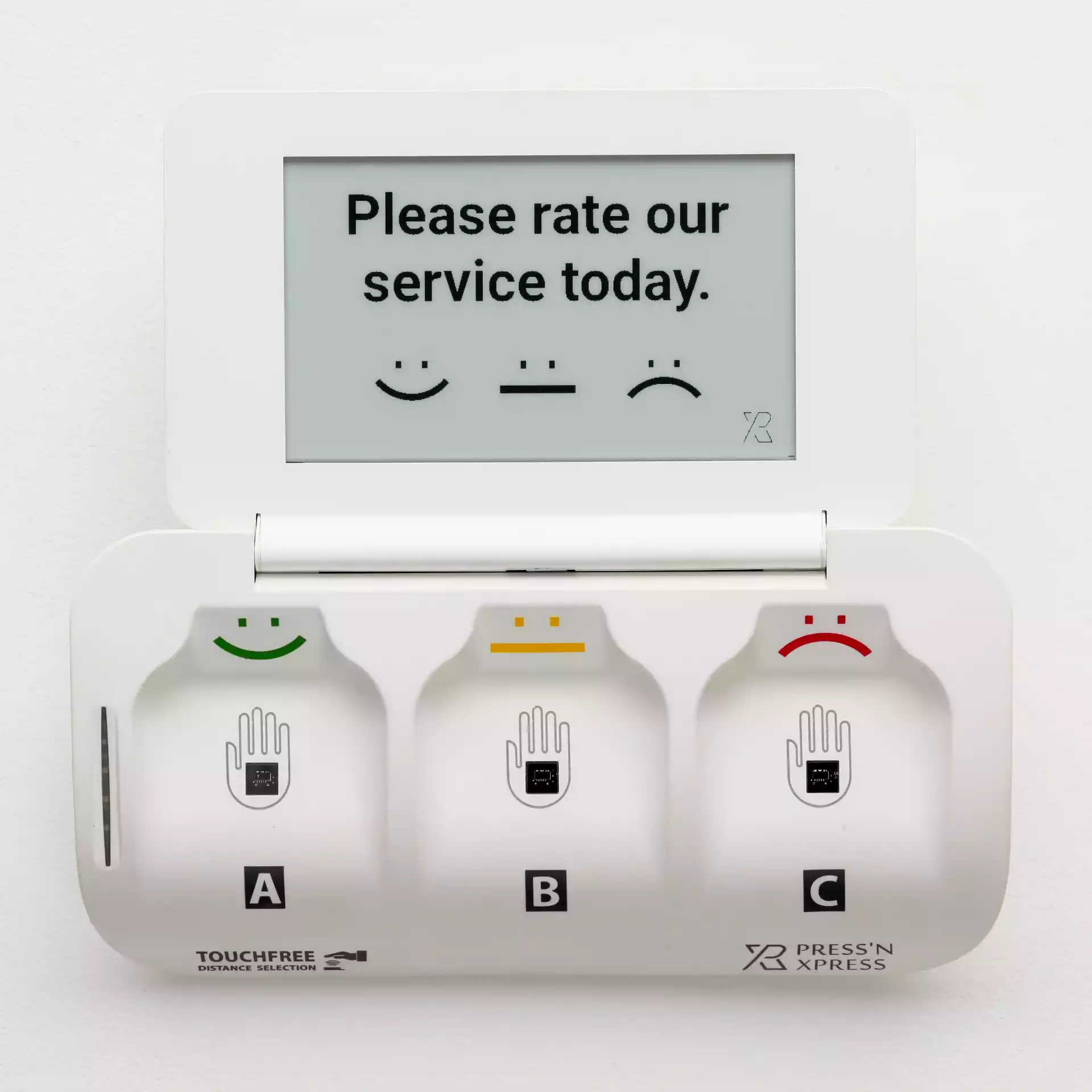
Where feedback happens
Each area asks its own short question, so a low score points to the team that can fix it.
Use cases
Start with a few stores, then roll out across the chain on the same dashboard.
From feedback to fixed
When feedback points to a problem on site, Action Hub opens a work order for that location, alerts the right person and keeps the clock running until the fix is confirmed.
SMS · Store 14 manager“4 low checkout ratings since 17:00, reason 'long queue'. Please open another till.”
Who uses it
Every store ranked by shopper satisfaction, with trends by region and department.
Alerted when a store drops below target or one issue spreads across the chain.
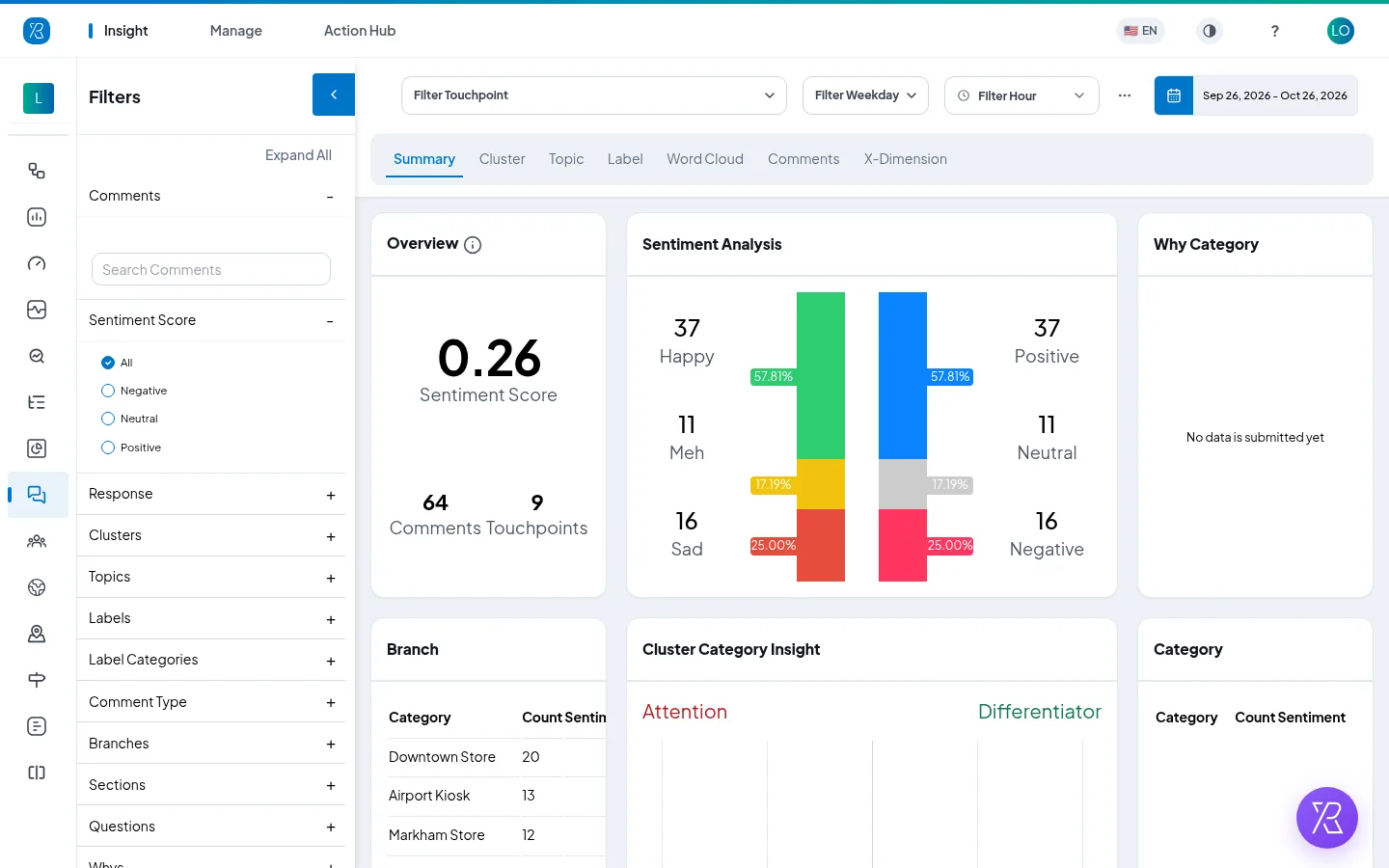
Their stores side by side, with the comments behind each score.
Alerted when a store in their region starts to slip.
Their own store's ratings and comments, live during the day.
Alerted when shoppers report queues, missing help or a dirty washroom.
See it in the dashboard
PXP AI
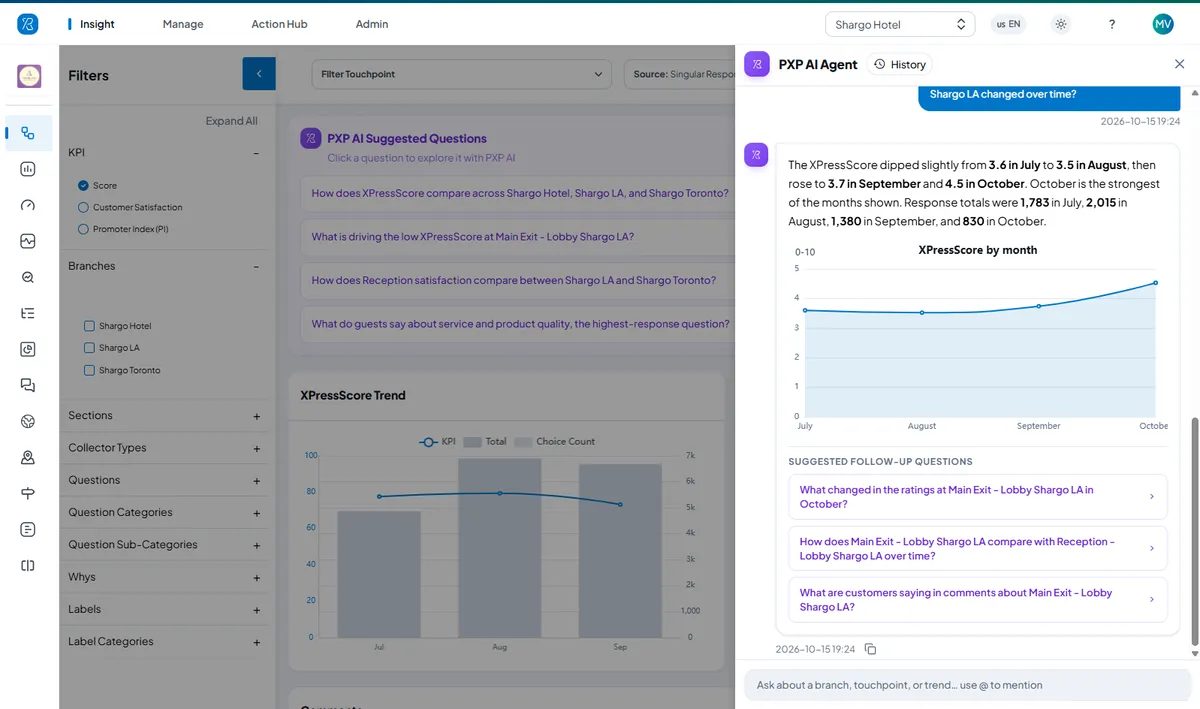
PXP AI answers in plain language, with the chart and the comments behind the answer.
Ways to collect
Touchless terminalCheckouts, exits and washrooms. One tap or a hover.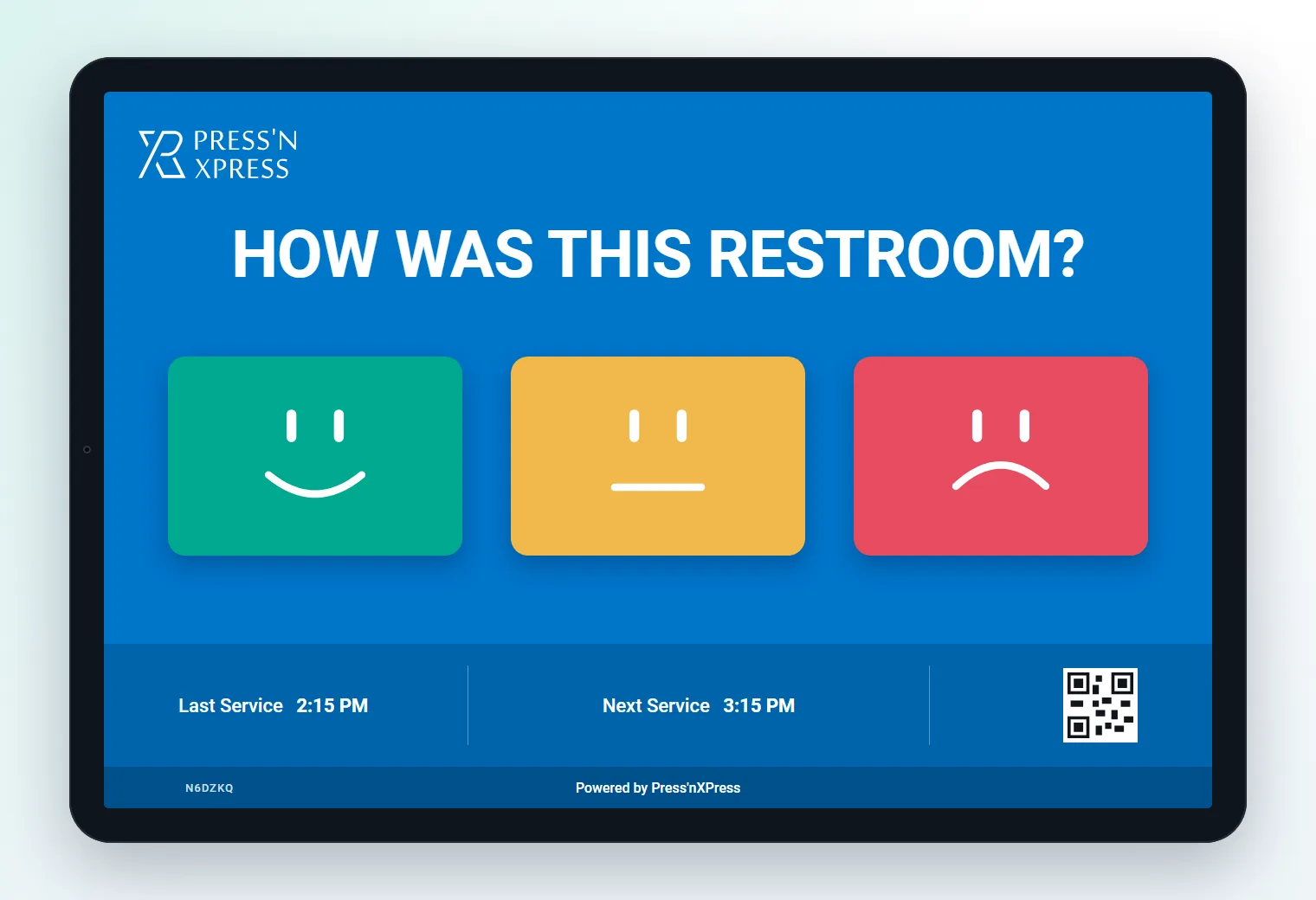 Feedback tabletService desks and fitting rooms, with a reason.
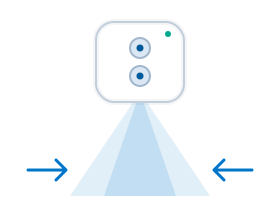 People counterStore entrances, to compare traffic with ratings.
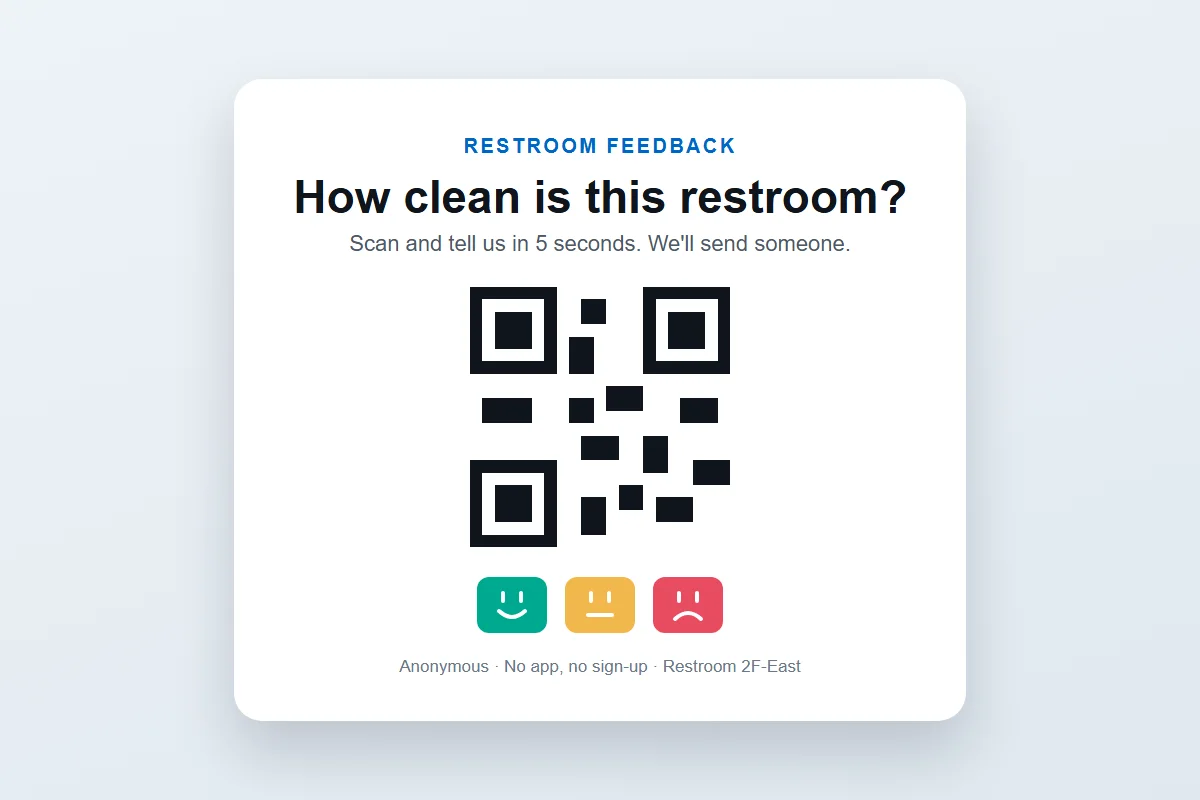 QR codeA unique QR on every receipt, plus shelf signs and fitting rooms.
Most shoppers who have a bad trip don't complain - they shop somewhere else next time. Asking at the checkout and the service desk catches the long queue or the missing help while it can still be fixed, and shows which stores have the habits worth copying.
Keep reading
Book a demo and we'll show you the dashboard set up for your stores, regions and departments.
Place a one-tap terminal at the checkout or exit, a tablet at the service desk, QR codes on receipts and shelf signs, and send an SMS or email after online orders and pickups. Every rating is tagged to the store, area and time.
A low rating at checkout or the service desk alerts the store manager within minutes, with the reason attached - queue length, staff help, stock or cleanliness - so the problem can be fixed for the next shoppers.
Yes. Every store reports into one dashboard, so you can rank stores, regions and departments on the same questions and spot what top stores do differently.
One overall rating, one tap on the main reason - checkout wait, staff help, product availability, prices or cleanliness - and an optional comment. Short asks get answered by far more shoppers.
Yes. Your POS can request a unique feedback link and QR for every purchase through the Press'nXPress API and print it on the receipt. Order details such as the amount, SKU or customer ID travel with the rating, so each rating is tied to a real purchase.
Yes. People counters at the entrance show how busy the store was next to how shoppers rated it, so you can tell a staffing problem from a bad day.