After purchase or delivery
Ask while the order, delivery, or pickup experience is still fresh.
Email feedback
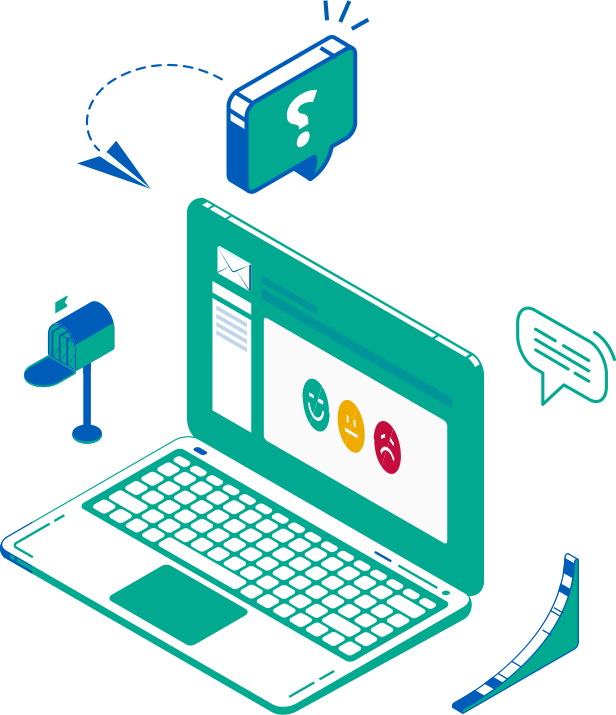
Reach customers with an email feedback tool after a purchase, delivery, appointment, support case, or service interaction. Use PXP as email feedback software for short email surveys, customer feedback emails, and timely requests connected to the exact moment.
Triggered feedback
Use email when you know who the customer is and what just happened. That makes the request more relevant and the feedback easier to connect to operations.
Ask while the order, delivery, or pickup experience is still fresh.
Send feedback when a case, appointment, visit, or support ticket is completed.
Collect feedback from attendees, subscribers, or invited customer segments.
Customer device
Email feedback reaches customers on the device they already use. They can answer directly from the email or open a short branded feedback flow.

Ways to launch
Start simple, then automate. PXP can support one-off requests, bulk sends, campaign embeds, and system-triggered feedback.
Automatically send feedback emails after checkout, delivery, pickup, booking, or support events.
Upload a customer list and launch feedback requests without waiting for an integration.
Send one-off requests from the dashboard when a team needs targeted feedback.
Add feedback links or embedded questions to newsletters, signatures, and service emails.
Email formats

Let customers answer a quick rating directly inside the email.

Send customers to a short branded flow with reason choices or comments.

Keep a persistent feedback prompt in team or service email signatures.
Why it works
Because the request is tied to a customer and an event, teams can understand what happened, where it happened, and what needs follow-up.
Use PXP as an email survey tool, post-purchase email survey, or email feedback collector for known customer interactions.
Works on any customer device via a simple click from the email.
Send customers to specific feedback flows directly after a customer engagement.
Ask one relevant question, then capture reasons, comments, and the interaction context.
Monitor sent, delivered, opened, clicked, and responded feedback requests.
Show us the customer moments you want to measure. We will help map the right email trigger, question, and follow-up flow.