TouchFree Feedback Kiosk
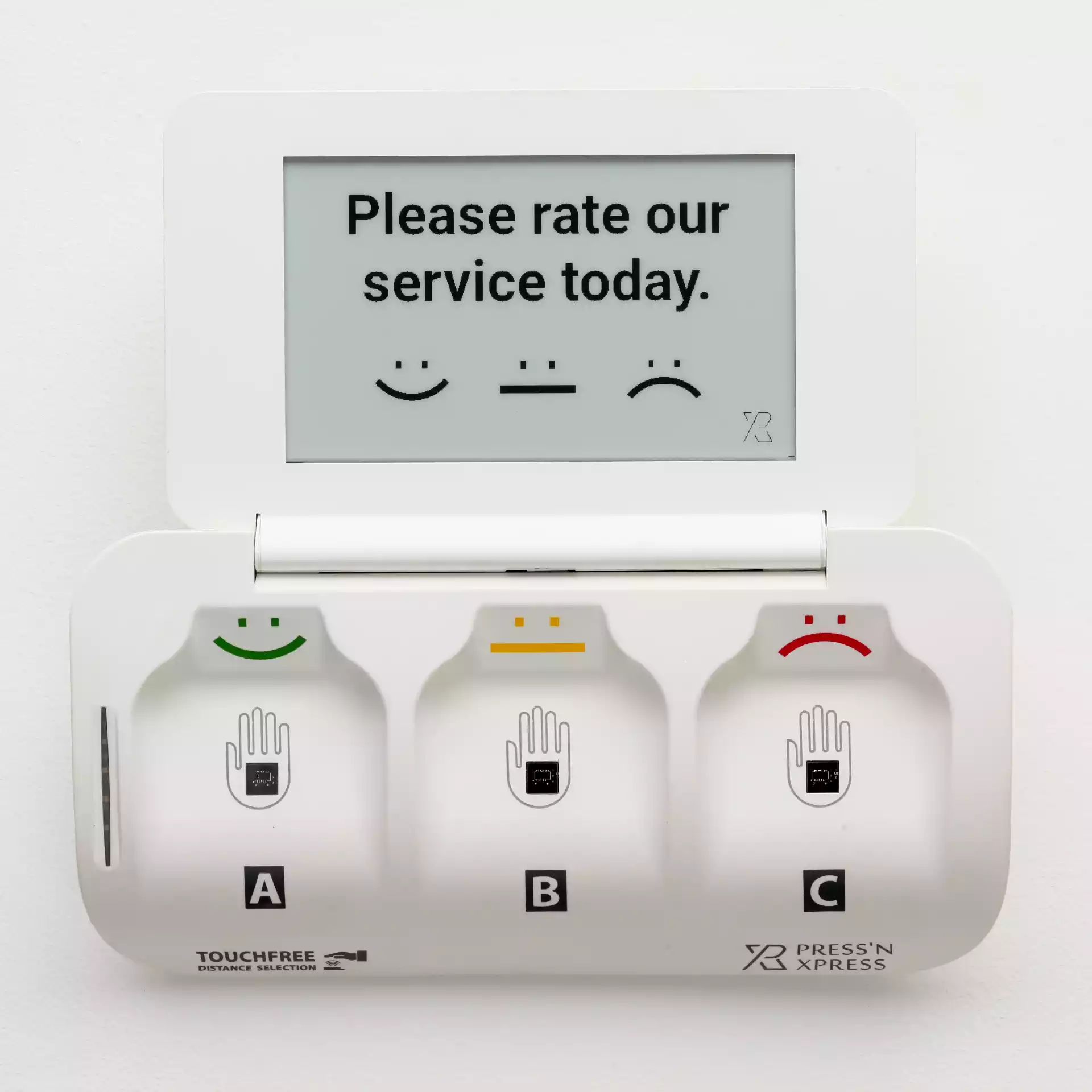
Press'nXPress TouchFree Feedback Kiosk
Book a time to see the TouchFree kiosk running live - the hardware, the digital screen and the dashboard - with one of our experts.
- Touchless: visitors hover a hand to answer
- Battery lasts over a year - no cabling
- Built-in SIM - no Wi-Fi or IT setup
- Change the question remotely

Goes Anywhere
Built for places a wired kiosk can't go
No power outlet, no network cable, no problem. A battery that lasts over a year and a built-in SIM mean you can place a TouchFree kiosk anywhere a customer walks past - not just wherever the wiring already exists.
- Exits, washrooms, counters and corridors
- Floor stand, counter or wall mount
- Up and running in minutes
Formats
See the hardware before you commit
The demo shows the actual device, the digital screen and the live dashboard together - not just screenshots - so you know exactly what goes on your wall or counter.

Floor stand
Entrances, lobbies and exits, with a custom branded panel.

Counter
Receptions, checkouts and service desks.
Wall mount
Washrooms, corridors and clinics.
Change Anytime
Change the question without touching the device
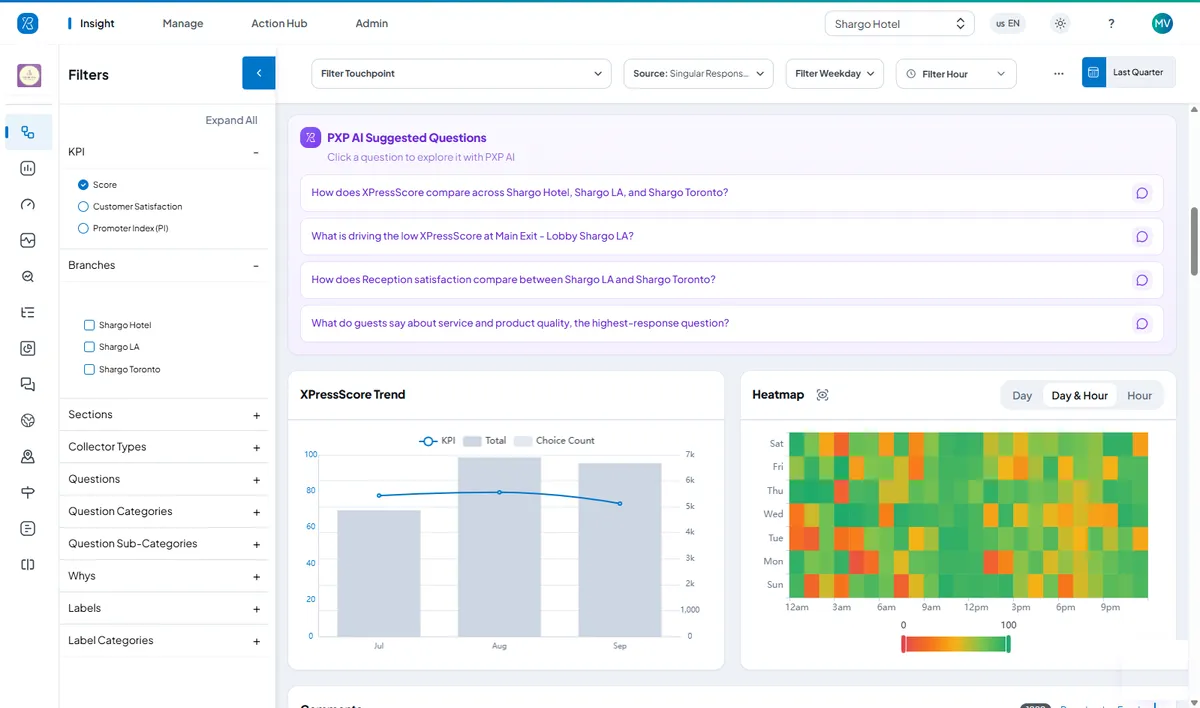
Update what you're asking from the dashboard, remotely, across every kiosk in your fleet - no technician visit needed to test a new question. Results appear live by location, hour and day, and PXP AI suggests what to look at next.
Built In
What you'll see in the demo
Touchless answering
How the kiosk reads a hovering hand, with no shared surface to touch.
Follow-up questions
A-B-C choices and issue tags that explain a low score.
The live dashboard
Ratings by location, hour and day, and PXP AI insights.
Alerts to your team
How a low score alerts the right person by SMS, email or WhatsApp.
Remote management
Changing questions for one kiosk or the whole fleet.
A pilot plan
Where to place kiosks first and how to measure the results.
From feedback to fixed
Low Scores Become Work Orders, Alerts and Verified Fixes
When feedback points to a problem on site, Action Hub opens a work order for that location, alerts the right person and keeps the clock running until the fix is confirmed.
- Threshold reachedPer-location rules spot a run of low ratings or a missed check.
- Work order openedAssigned to the person who owns that location, reason attached.
- Alert sentBy SMS, email or WhatsApp, with delivery tracked.
- Escalated on SLAA supervisor is alerted if it is still open when the target passes.
- Fix verifiedConfirmed on site, with the resolution time on record.
- Staff canteen · Hot lineFood temperatureEscalated
- Hotel · Front deskCheck-in wait timeAssigned
- Hospital · Ward 4BNoise at nightResolved
WhatsApp · Sous chef“Hot line food reported cold - please check holding temperatures.”
TouchFree demo questions
What makes the TouchFree kiosk different from a standard touchscreen kiosk?
TouchFree collects feedback without contact, runs on a battery that lasts over a year and connects over a built-in SIM - so it doesn't need a customer to touch a shared screen, a nearby power outlet or Wi-Fi.
Does the TouchFree kiosk need Wi-Fi or a power outlet?
No. The battery lasts over a year and the built-in SIM handles connectivity, so it can be placed anywhere a customer walks past, not just where wiring already exists.
Can I change the survey question without visiting the device?
Yes. Questions can be changed remotely from the dashboard across every kiosk in your fleet, with no technician visit required.
What happens during a TouchFree kiosk demo?
We show the physical device, the digital screen and the live dashboard together, so you can see exactly what goes on your wall or counter before you commit.