Feedback kiosk
A free-standing or wall-mounted station that invites passers-by to rate one moment. The term covers both button-based smiley kiosks and touchscreen survey stations.
ExitsLobbiesVisitor centres
Customer Satisfaction Kiosk and Feedback Terminal
Use a customer feedback kiosk, smiley feedback terminal, or touchless feedback device to collect high-volume customer feedback right where the experience happens. Customers answer in seconds, and your team sees results by location, touchpoint, and time.
On-site question
How was your experience?
The basics
A customer feedback kiosk is a device placed at a physical touchpoint that asks one quick question, such as “How was your experience?”, and records the answer on the spot. It is also called a customer satisfaction kiosk, smiley terminal, or customer feedback machine. Because nobody has to scan a code, open an app, or type, kiosks reach far more people than a follow-up survey: PXP kiosk sites commonly see response rates above 30%.
Each response is time-stamped and tagged to its site and touchpoint. After a low score, the device can ask which issue caused it, and the platform alerts the right team in real time. The same approach works as a visitor feedback kiosk in lobbies, offices, and visitor centres.
Kiosk, terminal, or tablet
The names overlap, but the jobs differ. Use a terminal where you need volume and no infrastructure, and a tablet where you need depth. Many sites mix both on the same dashboard.
A free-standing or wall-mounted station that invites passers-by to rate one moment. The term covers both button-based smiley kiosks and touchscreen survey stations.
A compact, dedicated device that asks one question with three choices: smiley ratings or ABC reasons. PXP terminals are battery powered, connect over a built-in SIM, and can be fully touchless.
A tablet running the PXP Feedback App for multi-question surveys, comments, and contact details. It needs power and Wi-Fi and suits staffed or sheltered spots.
Real product context
Feedback devices need to be visible, simple, durable, and easy for staff to manage. The goal is not to interrupt customers. The goal is to catch the experience while it is fresh.
How it works
Feedback terminals work because they remove friction. Customers do not need a phone, an app, or a long survey. They press a button or make a quick choice while the experience is still fresh.
Put a feedback device at the touchpoint you want to monitor: exit, counter, waiting room, washroom, lobby, or service area.
Customers answer with a smiley button, touchless selection, ABC choice, or tablet-based follow-up question.
Negative feedback can trigger alerts so staff can fix service problems while the issue is still recoverable.
Physical touchpoints
Put the kiosk where the experience ends and people naturally pause: on the way out of a store, beside a restroom exit, at a clinic reception, or past airport security. One device per touchpoint keeps results comparable across sites.
Capture a quick satisfaction signal after the visit, before the customer leaves the store.
Learn moreA restroom feedback system on the wall: visitors rate the toilets in a second, pick the issue after a low score, and the cleaner is alerted straight away.
Learn moreMeasure service, food quality, and dining experience without asking guests to complete a long survey.
Learn moreCollect patient and visitor feedback near reception, waiting areas, and point-of-care touchpoints.
Learn moreTrack lobby, check-in, breakfast, concierge, and amenity experiences across properties.
Learn moreMonitor high-volume physical locations such as gates, baggage claim, security, and service desks.
Learn moreWhy it works
A feedback kiosk turns silent, in-person experiences into measurable signals. It helps operations teams see what is happening now, not weeks later in a survey report.
Customers can answer while passing by, without typing, scanning, downloading, or talking to staff.
Ideal for locations where customers are more honest when the request is quick and low pressure.
Trigger alerts when negative feedback appears so teams can respond before issues escalate.
Compare locations, departments, entrances, service counters, washrooms, and other in-person moments.
Question modes
The same feedback device can ask simple satisfaction questions, qualitative ABC questions, or operational polling questions. It stays fast for customers, but gives your team better insight than a score alone.
Ask a fast rating question such as “How was your experience?” and track service performance over time.
Ask “What did you like most?” or “What can be improved?” and let customers choose from three reason options.
Use the same device for non-satisfaction questions such as visit frequency, product interest, or service preference.
Device options
Some touchpoints need the lowest possible friction. Others need a reason code or open-ended comment. PXP can combine different feedback devices across your journey.
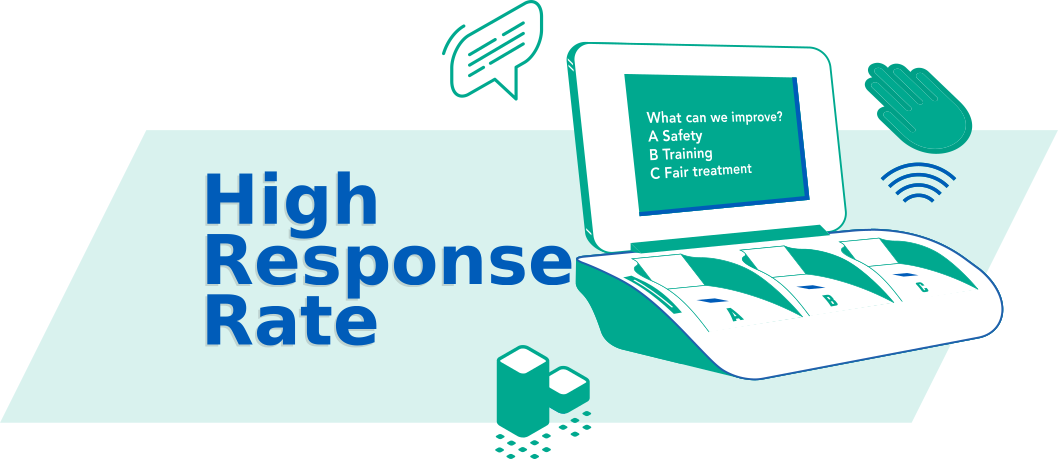
A completely touchless satisfaction kiosk for physical locations where hygiene, speed, and high response volume matter.
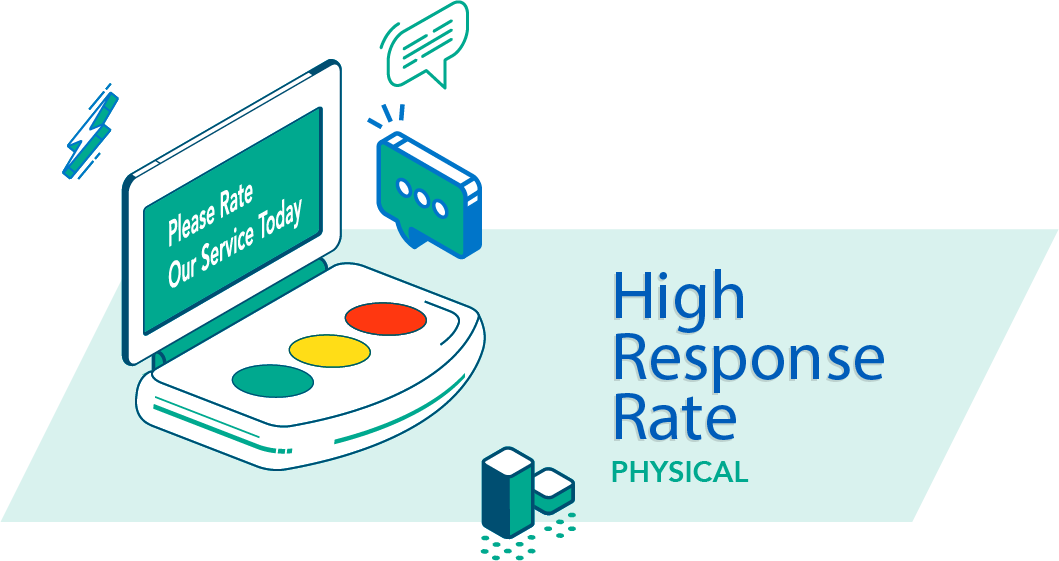
A simple three-button feedback device for fast, anonymous, high-volume satisfaction measurement.
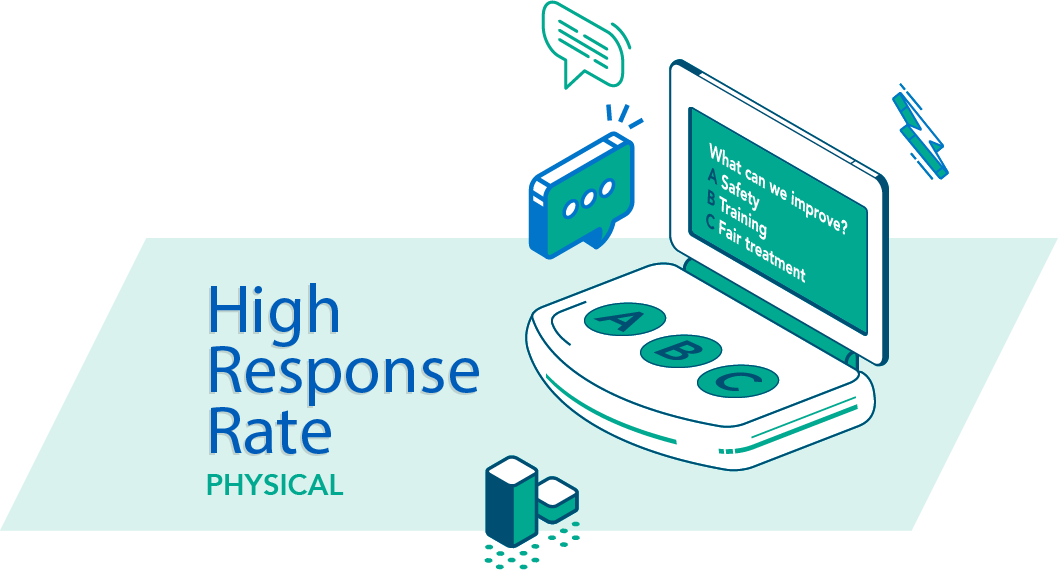
A multiple-choice feedback terminal for understanding why customers are satisfied or dissatisfied.
Device capabilities
Collect feedback without asking customers to touch a shared screen or button surface.
Change questions from the dashboard without visiting every device or reprinting material.
Ask quick qualitative questions such as what customers liked most or what should improve.
Capture satisfaction scores, reason choices, preference polling, and richer operational signals.
Easy to implement and scale across locations, departments, and high-traffic touchpoints.
Works with the included battery for 1+ years, so placement is not limited by power outlets.
Uses built-in GSM connectivity, so local Wi-Fi is not required for deployment.
Notify teams when poor feedback appears so service issues can be handled quickly.
Need a richer flow?
Install the PXP Feedback App on a tablet, phone, iOS, or Android device to ask follow-up questions, collect comments, capture contact details, or run a multi-question survey at the same physical touchpoints.
Explore Feedback App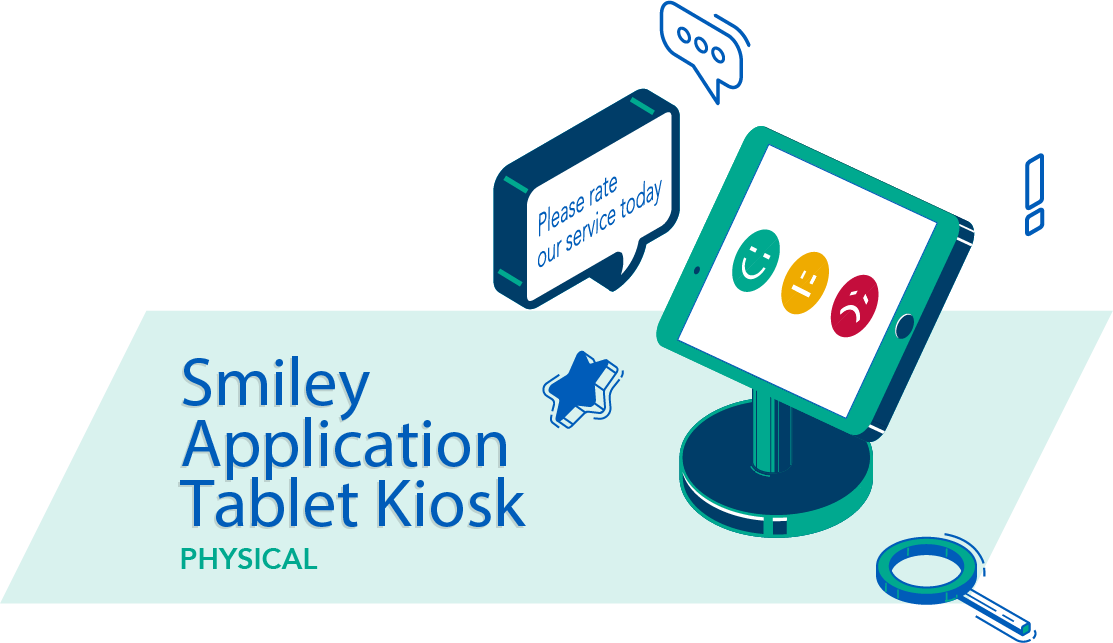
Operational fit
Touchless kiosk hardware
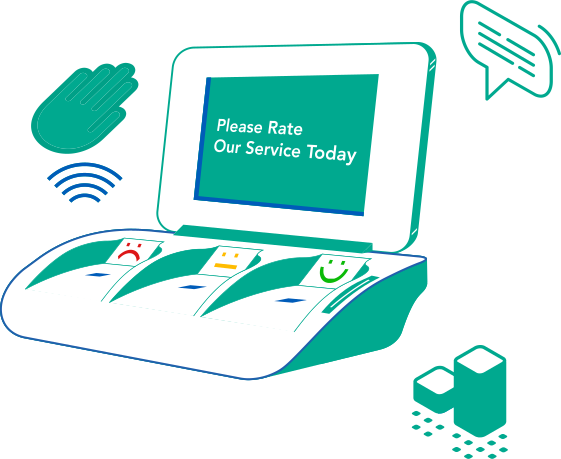
On the TouchFree model, customers hover a hand over their answer instead of pressing a shared button. The battery lasts over a year and the built-in SIM sends responses over GSM, so the terminal needs no power outlet, no cabling, and no access to your Wi-Fi.
Place feedback terminals where power or local Wi-Fi is not practical. The device runs on battery and connects through a built-in SIM card.
Designed for continuous collection with minimal staff involvement.
Capture simple, repeatable measurements that teams can compare over time.
Pricing
There is no one-size price list. PXP configures each deployment around your sites, so the cost of a smiley feedback terminal depends on what you need it to do. The usual route is a pilot at a few locations, then a rollout once the results are in.
FAQ
A feedback kiosk is a physical device placed at a service touchpoint — such as a store exit, washroom, lobby, or service counter — that lets customers rate their experience in seconds. Instead of sending a survey later, it captures the response on the spot while the experience is still fresh. The device typically shows a simple question and a small set of response buttons, making it fast and anonymous for customers to use.
The terms are often used interchangeably. "Feedback kiosk" is the broader term for any station where customers leave feedback, including touchscreen survey stands. A feedback terminal is usually a compact, dedicated device that asks one question with a few buttons, such as a smiley terminal. Press'nXPress terminals are built this way: one question, three choices, battery powered, and connected by a built-in SIM, with an optional touchless model.
It depends on how many terminals you need and where they will go. Contact us with your locations and we will send you a quote.
Use a feedback terminal when you want the highest response volume with no infrastructure: one question, answered in a second, with no power outlet or Wi-Fi needed. Use a tablet with the PXP Feedback App when you need several questions, written comments, or contact details, and the spot has power and Wi-Fi. Many sites combine both on the same dashboard.
Place it where the experience ends and people pause: store exits and checkouts, restroom and washroom exits, hotel lobbies, clinic receptions and waiting areas, restaurant exits, and airport gates, security, or baggage claim. Use one device per touchpoint so you can compare results between areas and sites.
Because answering takes a second and needs no phone, app, or typing, kiosks collect far more responses than email or link surveys. Press'nXPress kiosk sites commonly see response rates above 30%.
A smiley feedback device is a compact, button-based terminal that asks one satisfaction question — such as "How was your experience?" — and offers three response choices representing happy, neutral, and unhappy. It is designed for high-traffic physical locations where customers will not stop for a long survey but will press a button while passing by. The Press'nXPress smiley kiosk also supports ABC choice questions, runs on battery power, and connects through a built-in SIM card so it can be placed anywhere without Wi-Fi or a power outlet.
The TouchFree XPress model uses touchless detection so customers can make a selection without touching any shared screen or button surface. This makes it ideal for high-hygiene environments such as washrooms, clinics, and food service areas where contact-free interaction is preferred.
Yes. Mounted by a restroom or washroom exit, the terminal asks visitors how clean the toilets are and, after a low score, which issue needs attention - such as no toilet paper, empty soap or a bad smell. Low ratings open a work order and alert the assigned cleaner by SMS, email or WhatsApp, and the touchless model means nobody touches a shared surface.
Yes. Questions can be updated from the Press'nXPress dashboard without physically visiting any device or reprinting materials. This remote question control works across all locations at once, making it practical to manage large fleets of feedback terminals.
No. The feedback terminal runs on an included battery that lasts over a year and connects through a built-in SIM card on GSM networks. This means it can be placed at exits, washrooms, counters, or any high-traffic spot regardless of nearby power outlets or local Wi-Fi availability.
Show us the touchpoints you want to measure. We will help map the right mix of smiley kiosks, touchless terminals, ABC choices, and tablet feedback flows.


